My Neovim Deep Dive: 40 Videos from Basics to Advanced

I hadn’t even noticed, and almost a year has already passed since I started using Neovim.
It’s been a tough journey…
A bit of everything has happened, from the satisfaction of having an environment where I truly feel pleasure programming, to banging my head against the wall trying to configure an LSP. But one thing stands out above all:
Learning Neovim is hard…
Is it worth it? Absolutely. But jumping to the dark side depends entirely on the kind of programmer you are and your real need for a fully customizable environment.
When yes?
- You need complete control over your workflow.
- Your workflow depends on multiple tools and a terminal-based environment is more convenient.
- You like getting into the details and you’re not afraid of code.
- You like the idea of programming in order to program better.
- You have ADHD and all those IDE windows just make you procrastinate.
- You’re not afraid of code.
- Your frustration level is low when it comes to environment-related inconveniences.
When not?
- Your frustration tolerance is low.
- “I just want to open the IDE and start working.”
- I already deal with enough code at work.
- You prefer visual interfaces with windows and assistants.
- You’re used to a fully integrated debugger like in VSCode or Visual Studio.
What should you at least try?
Vim motions
Definitely, every programmer should at least try learning Vim motions. They can be used in any IDE, not just Neovim, and they’re one of the best things Vim has. In my personal case, they’ve drastically reduced the movement of my wrists and helped me avoid an injury (I’ve been dealing with that issue for several years).
Macros
This marvel lets you automate work in a very intuitive way. Macros act like a kind of keyboard recorder that lets you repeat an operation across multiple lines. There are no native macros in IDEs like VSCode or Visual Studio, although there are some extension options. It’s something you absolutely have to try.
Will I keep using Neovim
Even though sometimes I hate having to program Lua for everything:
Yes, definitely.
I can spend hours typing in an environment like Neovim. My hands feel good, there’s no pain, and I keep typing faster and faster. I also really enjoy the minimalist style and the aesthetics of themes like tokyonight or kanagawa.
Throughout all this time, I’ve felt the need to share everything I’ve been learning, and without even realizing it, I now have a fairly long playlist with videos full of tips and advice, from the most basic to the most advanced.
Below I’m leaving an index with the main categories of those videos and links to everything. You’re going to love them, and they’ll be a big help.
See you around — keep moving forward!
Here you are:
- Plugins and Alternatives
- IDE vs Neovim
- Vim Motions
- Custom Lua Development
- Macros & Automation
- Themes & Colorschemes
- Productivity & Workflow
- Configuration
Plugins and Alternatives
How to use Oil and how to replace popular plugins with lua configuration.
- Replace autopairs
- Replace nvim-surround
- Replace which-key
- Replace harpoon
- Replace Blink
- Replace toggleterm
- Oil + Macros for file structure
- Oil + Macros killer combo
Replace autopairs (3 lines)
Shows how to replace the autopairs plugin with just 3 lines of Neovim configuration.
Replace nvim-surround (3 lines)
Shows how to replace the nvim-surround plugin with just 3 lines of Neovim configuration.
Replace which-key (Lua)
Shows how to replace the which-key plugin with a simple Lua script.
Replace harpoon (custom marks)
Shows how to build a custom mark manager to replace the Harpoon plugin.
Replace Blink (built-in)
Shows how to replace the Blink completion plugin with Neovim’s built-in completion features.
Replace toggleterm (few lines)
Demonstrates how to replace the toggleterm plugin with just a few lines of configuration.
Oil + Macros for file structure
Demonstrates how to use Oil plugin combined with macros to create folder structures easily.
Oil + Macros killer combo
Demonstrates the powerful combination of Oil plugin and macros for file management in Neovim.
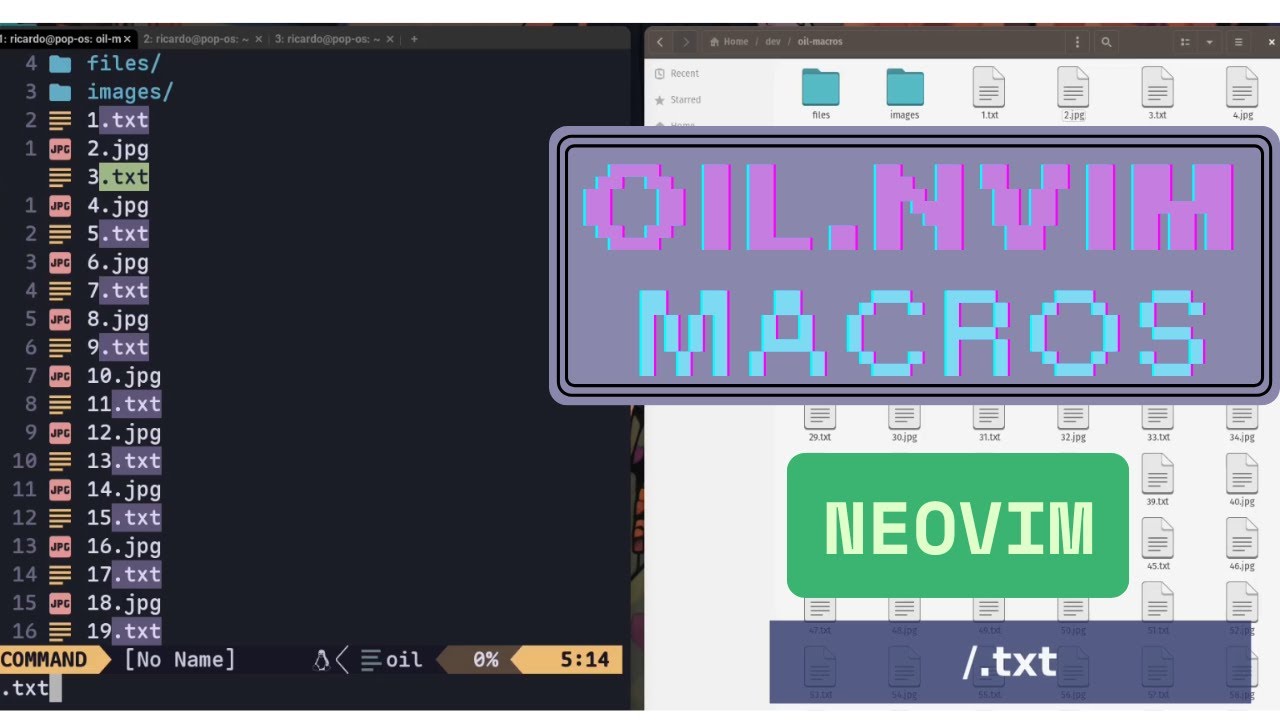
IDE vs Neovim
Videos comparing a traditional IDE and Vim motions.
- Extract method
- Introduce variable
- Delete parameters
- Change simple word
- Convert parameters to local variables
- Vim vs IDE
IDE vs Vim: Extract method
Compares extracting a method using Vim motions versus an IDE.
IDE vs Vim: Introduce variable
Compares introducing a variable using Vim motions versus an IDE.
IDE vs Vim: Delete parameters
Shows how to delete function parameters using Vim motions compared to an IDE.
IDE vs Vim: Change simple word
Compares changing a simple word using Vim motions versus an IDE.
Vim vs Mouse: Convert parameters
Shows how to convert function parameters to local variables using Vim motions versus mouse-based editing.
Vim vs IDE
Compares Vim motions with a regular IDE for code editing tasks.
Vim Motions
Videos showing the most useful vim motions.
- 5 killer neovim motions
- 5 Vim Motions to improve your Daily Programming
- Oddly satisfying vim motions
- Copy/paste vim motions cheat sheet
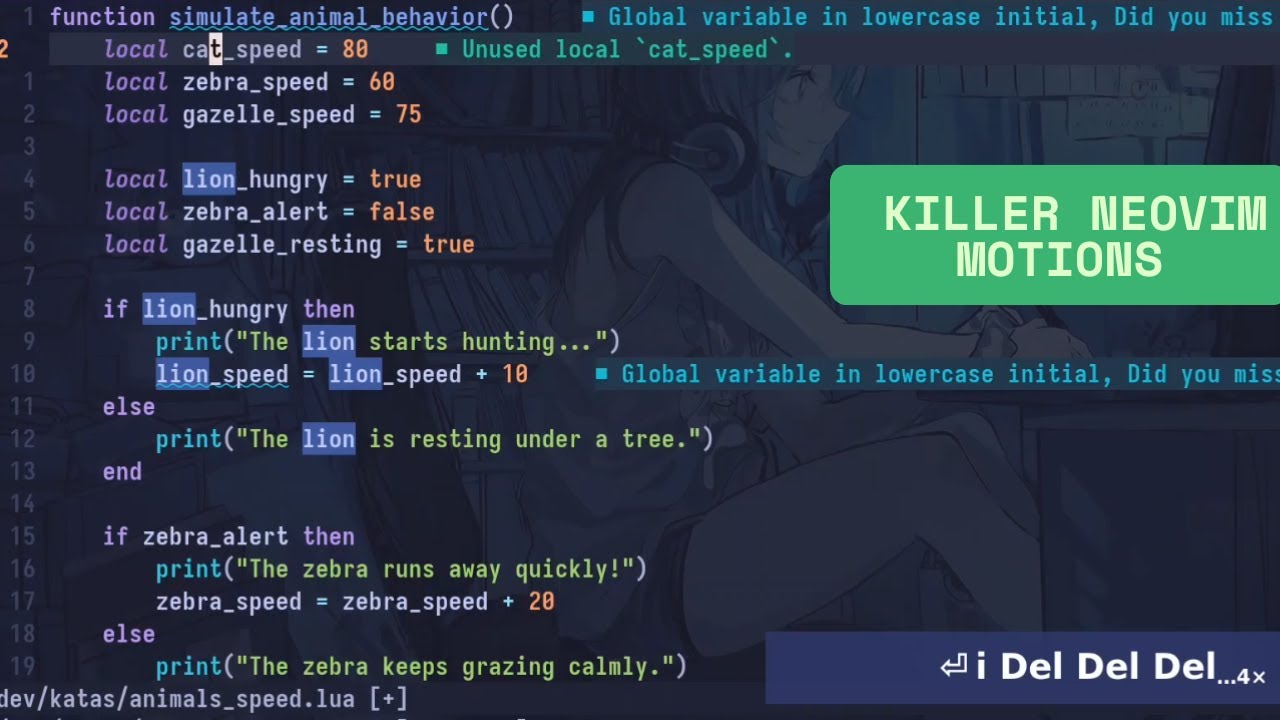
5 killer neovim motions
Learn 5 powerful Neovim motions that will boost your daily editing workflow.
5 Vim Motions to improve your Daily Programming
Learn 5 essential Vim motions that will improve your daily programming workflow.
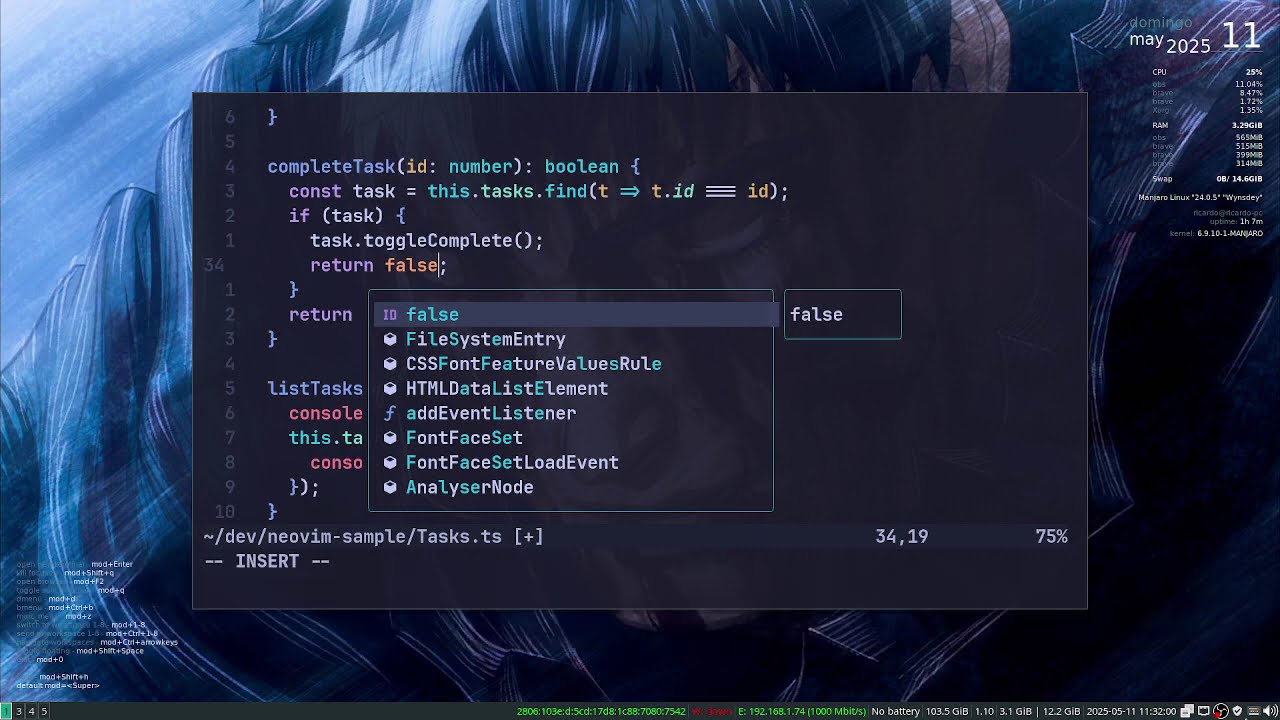
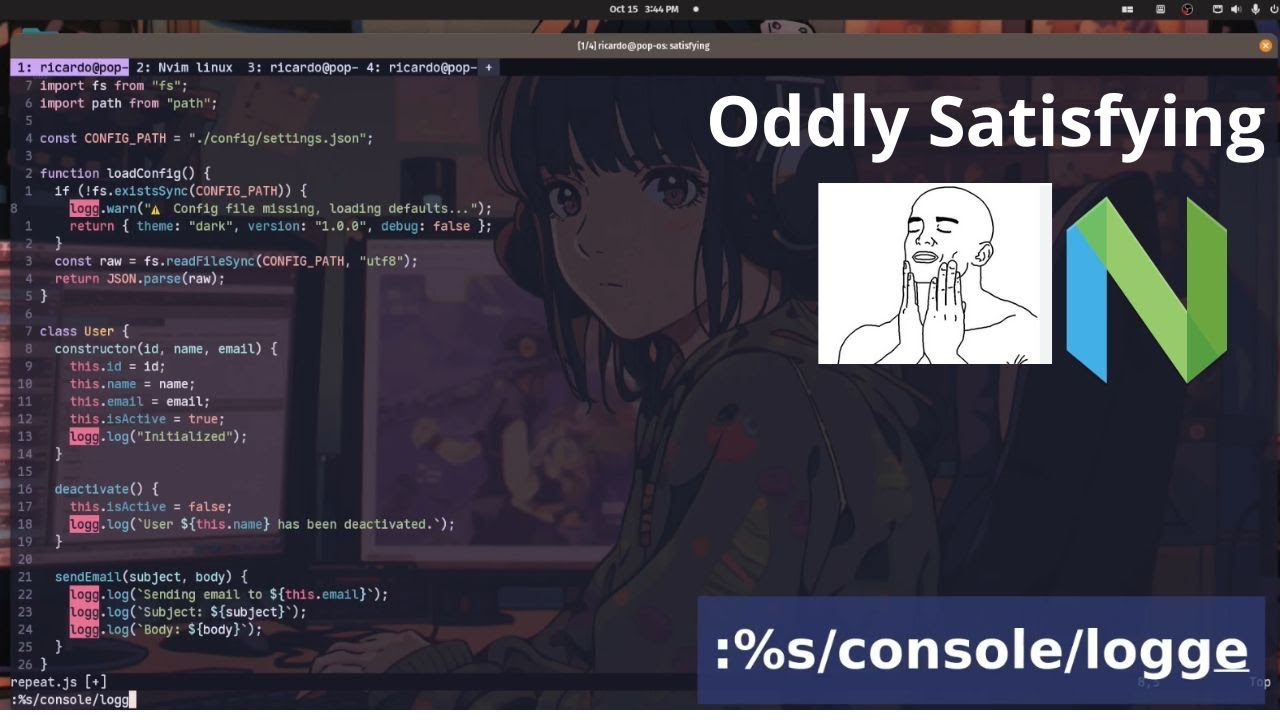
Oddly satisfying vim motions
A collection of oddly satisfying Vim motions that are perhaps useless but absolutely addictive.
Copy/paste vim motions cheat sheet
A handy cheat sheet for copy/paste operations using Vim motions.
Custom Lua Development
Advanced configuration that needs lua development.
- Custom File Search
- Todo Explorer
- Inspect, run and eval Lua
- Live error view
- Improving find command
- Local LLM Inside Neovim (Part 1)
- Local LLM Inside Neovim (Part 2)
Custom File Search (Lua)
Shows how to create a basic file search in Neovim using Lua.
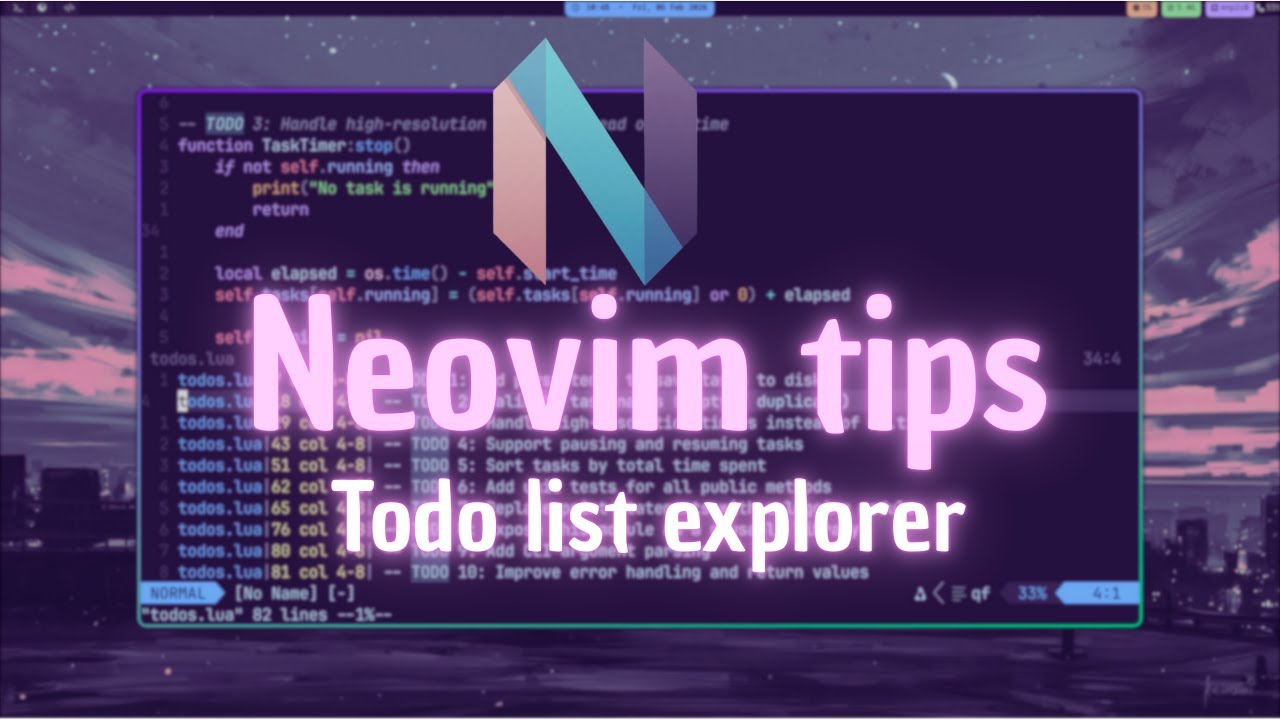
Todo Explorer (Lua)
Shows how to build a todo list explorer in Neovim using Lua.
Inspect, run and eval Lua
Teaches the basics of running and debugging Lua code in Neovim.
Live error view (Lua API)
Demonstrates how to create a live error view window in Neovim using Lua and the Neovim API.
Improving find (Neovim 0.12)
Demonstrates how to enhance the built-in find command in Neovim 0.12 with fuzzy search and auto-complete functionality.
Local LLM Inside Neovim (Part 1)
Shows how to integrate a local LLM (Ollama) into Neovim using Lua. Demonstrates sending requests to the Ollama API and displaying the AI response within Neovim for code assistance and automation.
Local LLM Inside Neovim (Part 2)
Continues the integration of a local LLM into Neovim with additional features and improvements.
Macros & Automation
Examples of how to use macros, and macros configuration.
- Splitting lines using macros
- Creating big switch statements
- Converting array to JS object
- CSV to JSON conversion
- SQL script of one million users
- Save/load macros from files
Splitting lines using macros
In this video I show a recurrent macro that I use every day to split parameters into lines.
Creating big switch statements
Demonstrates how to create large switch statements quickly using macros in Neovim.
Converting array to JS object
Shows how to convert an array into a JavaScript object using Neovim macros.
CSV to JSON conversion
Demonstrates how to convert a CSV file to JSON format using macros in Neovim.
SQL script of one million users
Shows how to generate a SQL script with one million user records using macros and regular expressions.
Save/load macros from files
Demonstrates how to save and load macros from files in Neovim for reuse across sessions.
Themes & Colorschemes
Best themes and the themes that I use.
- 20 Trending Themes (Nov 2025)
- 20 Daylight Colorschemes (Dec 2025)
- My Neovim Themes
- Best fonts for programming
20 Trending Themes (Nov 2025)
A showcase of 20 trending Neovim themes with live previews from November 2025.

20 Daylight Colorschemes (Dec 2025)
A collection of 20 daylight (bright) colorschemes for Neovim with live previews from December 2025.
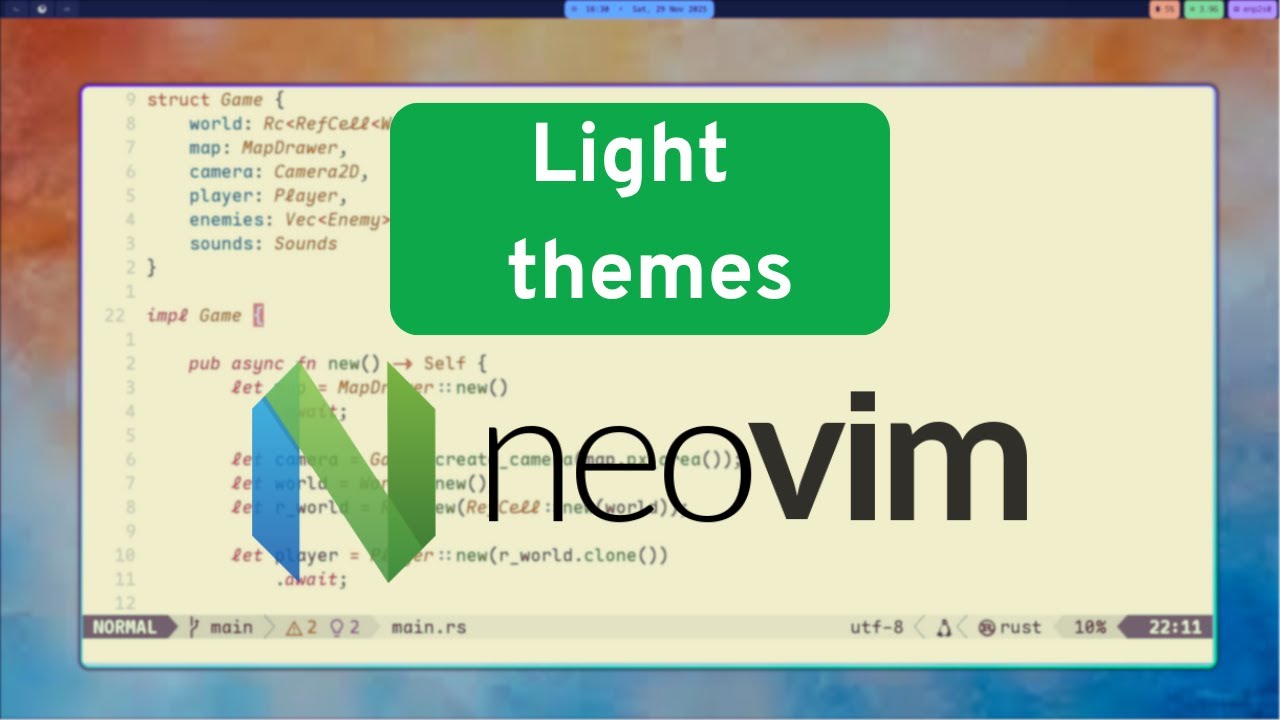
My Neovim Themes
These are the themes I frequently use.

Best fonts for programming
A review of the best fonts for programming in Neovim and terminals.
Productivity & Workflow
Neovim + Fzf + Wezterm
Demonstrates an efficient workflow using Neovim, FZF, and Wezterm.
Configuration
Useful configurations
- No “Select all” in neovim
- Configure autosave
- Cmd-line autocompletion
- Change detected message
- Must have in your neovim config
- Wrong LSP for C#
No “Select all” in neovim
Explains how to select all content in Neovim since there’s no built-in “Select All” command.
Configure autosave
Shows how to configure automatic saving of buffers in Neovim.
Cmd-line autocompletion (Neovim 0.12)
Demonstrates how to improve command-line autocompletion in Neovim 0.12 without plugins.
Change detected message (Lazy)
Tips for handling the annoying “change detected” message when using the Lazy package manager.
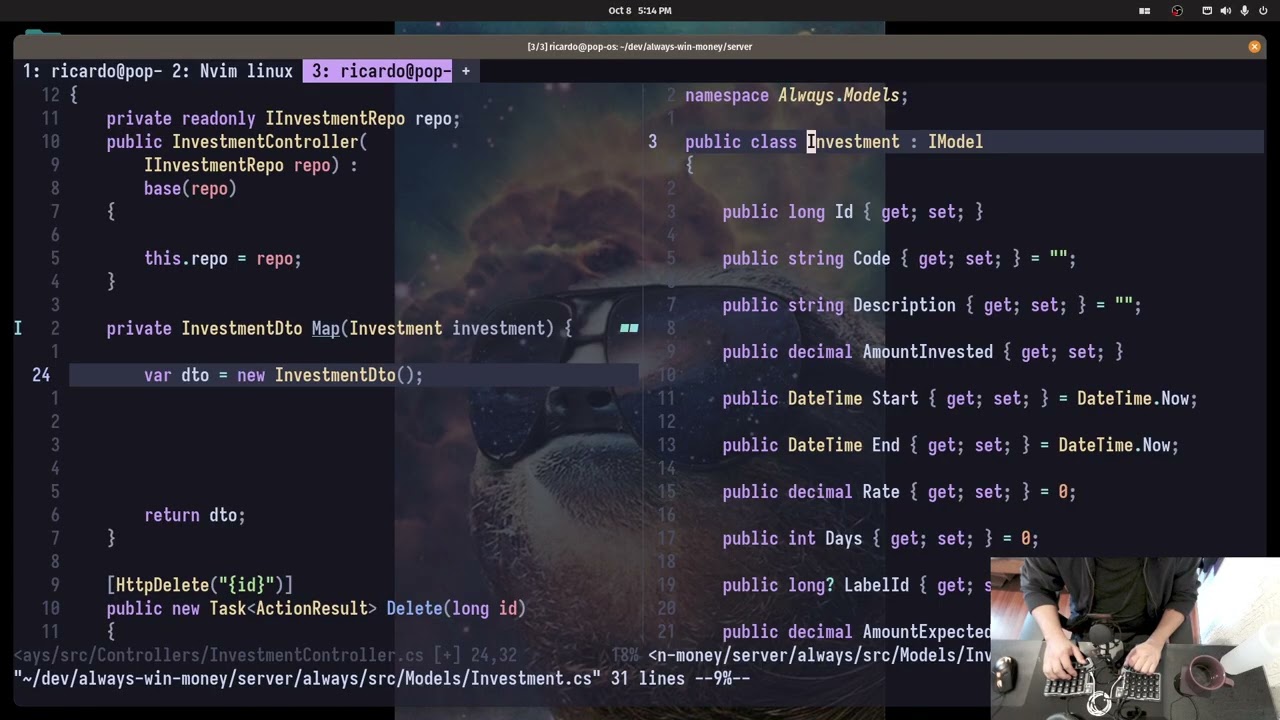
Must have in your neovim config
Essential configuration options that every Neovim user should have in their setup.
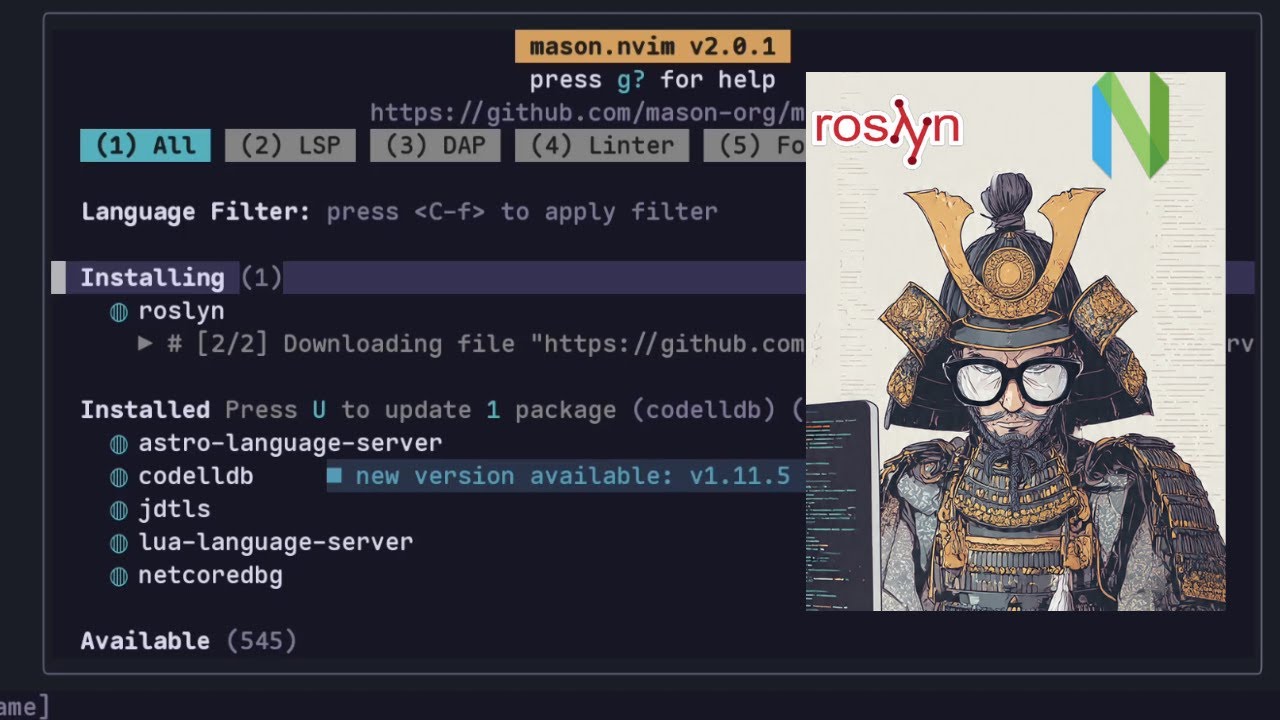
Wrong LSP for C# in Neovim
Explains which LSP server you should use for C# development in Neovim and why the default choice might be wrong.
Links
-
Web page: https://programmingheadache.com
-
Buy me a Coffee: https://buymeacoffee.com/programmingheadache